Christmas closure message for customers: templates for trade businesses
Christmas closure message templates for trades: email auto-reply, voicemail, website banner and customer email, plus the 2026 UK and Irish holiday dates.
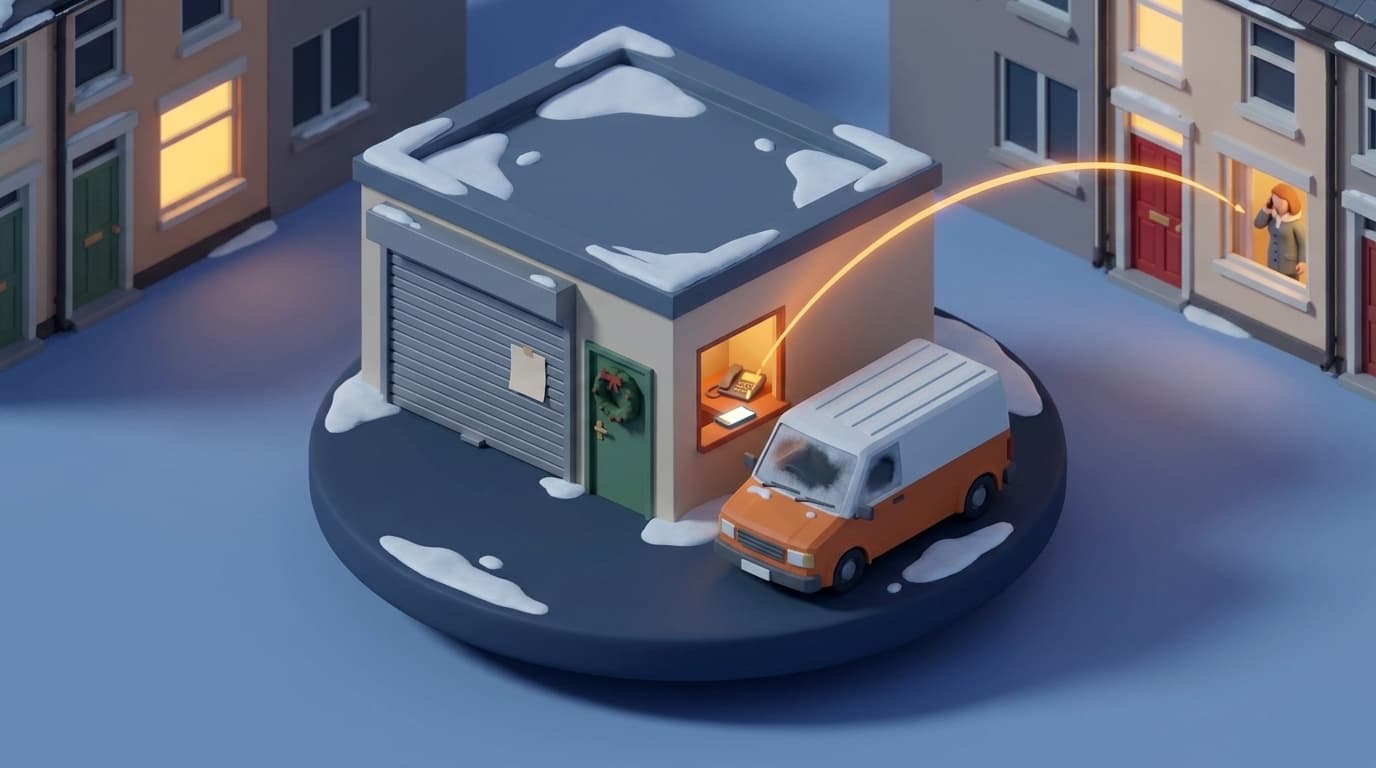
On the Tuesday between Christmas and New Year, a homeowner's boiler stops firing. She rings the heating engineer who serviced it in October. The phone rings out. His Google listing says "Open" and his website says nothing at all, so she rings twice more, gives up and calls a firm she found on page one. The engineer was on a family holiday he had planned since summer. Nothing he did was wrong except that nobody was told.
Setting up a Christmas closure message across every channel is an evening's work, and it would have kept that customer. Below are the 2026 holiday dates for the UK and Ireland, where the message has to go, five templates to copy, what to arrange for urgent calls, and a short list for the morning you reopen.
The holiday dates for Christmas 2026 and New Year 2027
Christmas Day 2026 is a Friday, which moves things around. Check these against your own break before you write a single message.
England, Wales, Scotland and Northern Ireland. GOV.UK lists Christmas Day on Friday 25 December 2026. Boxing Day falls on a Saturday, so the bank holiday is the substitute day, Monday 28 December. New Year's Day is Friday 1 January 2027. Scotland has one more, a substitute day for 2 January on Monday 4 January 2027.
Republic of Ireland. Citizens Information lists Christmas Day on Friday 25 December, St Stephen's Day on Saturday 26 December and New Year's Day on Friday 1 January 2027. There is no substitute Monday, so 28 December is not a public holiday in Ireland. If you work on both sides of the border, your customers in the Republic may expect you to answer that day.
Christmas Eve and New Year's Eve are both Thursdays and are not bank holidays anywhere on this list. If you close on those days, say so in the message, because customers won't assume it.
Where customers will look for you
Customers find out you're closed in whichever place they happen to try first. That means the message has to be in five places, and they all need the same dates.
- Your email. An automatic reply goes to anyone who writes during the break.
- Your voicemail greeting. Most urgent jobs come in by phone.
- Your Google Business Profile. For many customers, the opening hours on your listing are the first thing they see, before your website.
- Your website. A one-line banner across the top of every page, not a news post three clicks in.
- Invoices and quotes you send in December. These carry the dates to the people who already owe you money or are deciding on a job.
If you use WhatsApp Business, it has an away message with a custom schedule. The WhatsApp Business guide has the steps and a holiday example.
Setting your Google Business Profile holiday hours
Google's help page on special hours covers closures of up to six days in a row. The steps it gives are:
- Go to your Business Profile and select "Edit profile", then "Hours".
- In the "Opening hours" section, next to "Special hours", select "Edit".
- Select a date Google suggests, or "Add a date" for your own.
- Leave the "Closed" box ticked for each day you are shut. For a short day, untick it and enter the hours.
- Select "Save".
Special hours only show on the dates you set, so they stop on their own when the break ends.
A longer break is different. Google's page on marking a business closed says to use "Temporarily closed" for a closure of more than seven days, and adds that for broad searches, temporarily closed businesses can rank after open ones. If you shut from Christmas Eve until Monday 4 January, that is eleven days, which puts you in the longer group. If you choose "Temporarily closed", put a reminder in your phone to mark the business reopened the morning you're back.
The Google Business Profile article explains why the listing matters more than most owners think.
Five Christmas closure templates
Replace everything in square brackets. Put the same dates in every one, and read each aloud once. If a sentence sounds like a bank, change it.
1. Email auto-reply
In Gmail, Google's steps are Settings, then "See all settings", then the "Out of Office AutoReply" section on the "General" tab. Switch it on, fill in the date range, subject and message, and click "Save changes". The reply starts at 12:00am on the first date and ends at 11:59pm on the last, so set the last date to your final day off. Other email programs have the same setting under an out-of-office or automatic replies name.
Subject: [Business name] is closed until [day and date]
Hello,
Thanks for your email. [Business name] is closed for Christmas from [day and date] and we're back on [day and date].
We'll read every message when we reopen and reply by [day and date].
If your job can't wait, ring [emergency number or covering firm]. If you smell gas, leave the building and call [gas emergency number] straight away.
Happy Christmas, [Your name], [Business name]
In most cases Gmail sends the reply only the first time someone writes, and again if they write after four days. A customer who emails three times in two days gets one reply, which is what you want.
2. Voicemail greeting
Hello, this is [Business name]. We're closed for Christmas from [date] and back on [day and date]. Leave your name, number and what the job is, and we'll ring you back by [day] after we reopen. If it's an emergency, ring [number or covering firm]. If you smell gas, hang up and call [gas emergency number].
Record it the evening you close, then ring your own number from another phone to hear it. The voicemail greeting scripts cover recording and the mistakes that make callers hang up.
3. Website banner
Closed for Christmas from [date] to [date]. Back on [day and date]. For emergencies, ring [number].
One line, at the top of every page, in a colour that stands out against your header. If you don't offer emergency cover, end the line at the reopening date. Two more lines can go on your contact page:
Messages sent while we're closed will be answered by [day and date], in the order they arrived.
4. Message to existing customers
Send this in the first week of December by email, or as a short text to customers you already text about their jobs.
Subject: Our Christmas dates
Hello [first name],
A quick note on our Christmas opening. We finish on [day and date] and we're back on [day and date].
If you'd like [a service / a repair / a quote] done before the break, the last slots are on [dates]. Reply to this email or ring [number] to book one.
While we're closed, [what happens to urgent calls].
Thanks for having us out this year, and happy Christmas.
[Your name], [Business name]
The second paragraph is the one that pays. A customer who would have rung in January can book a December slot instead, and you hear about the job before the break rather than after it.
5. Line for December invoices and quotes
Please note we're closed from [date] to [date]. Payments received during this time will be confirmed on [day and date].
On quotes, check the "valid until" date. A quote that runs out on 31 December gives the customer no time to decide over the break. The guides on following up a quote and chasing an unpaid invoice cover what to send in January.
What to arrange for urgent calls
Every message above has a sentence for emergencies. Before you write it, decide what is true.
Decide who answers, if anyone. A small firm has three honest options. Someone from the team is on call on set days. A friendly local firm covers for you and you cover for them at Easter. Or nobody is on call, and you say so plainly so the customer rings someone else straight away. That third option is fine. A message that promises emergency cover and then rings out is worse than one that says "we're closed".
Write the call-out rules down. If someone is on call, agree what counts as an emergency before the break, along with the call-out rate and who they ring if a job is too big. Put it in a text to the person on call, not in your head.
Send the calls where the person is. Conditional call forwarding moves unanswered calls on to the mobile of whoever is on call, so the customer reaches a person before the voicemail. A missed call text back sends the caller a text with your reopening date and the emergency number, which helps callers who hang up before the greeting ends.
Gas goes to the gas emergency service, not to you. The numbers are 0800 111 999 in Great Britain (Cadent, the National Gas Emergency Service), 0800 002 001 in Northern Ireland and 1800 20 50 50 in Ireland (Gas Networks Ireland). Put the right one in your voicemail and your auto-reply.
The morning you reopen
The first day back sets the tone for January. Work through this before you take the first new call.
- Switch everything back. Record your normal voicemail greeting and ring it from another phone, take the banner off the website and check the auto-reply has stopped. If you marked the Google listing "Temporarily closed", mark it reopened and search for your business name to see it says "Open".
- Read everything before you reply to anything. Emails, voicemails, texts and WhatsApp messages. List each one with the date it came in.
- Ring the urgent ones first, then go in order. A customer who rang on 27 December has waited longest. Your auto-reply promised a reply date, so keep it.
- Call the jobs your cover took. If another firm or your on-call engineer made a temporary repair, contact that customer to book the proper job.
When nobody's around to answer
Every template above asks the caller to wait until you're back. Our AI receptionist answers instead. It picks up when your team can't, out of hours too, notes what the call is about, books the slot and texts the caller a confirmation.
The heating engineer from the start went back to work on 4 January with three missed calls from a customer he no longer had. A two-line greeting and a few ticked boxes on his Google listing would have kept her.
Frequently asked questions
When should I tell customers we're closed for Christmas?
Send the message to existing customers in the first week of December, so they can still book a slot before the break. Put the banner on your website and the dates on invoices and quotes at the same time. Switch on the email auto-reply, the voicemail greeting and your Google holiday hours on the day you close.
Should I mark my Google Business Profile as temporarily closed over Christmas?
Google's special hours page covers closures of up to six days in a row, and its page on closed businesses says to use "Temporarily closed" for anything longer than seven days. The same page says temporarily closed businesses can rank after open ones for broad searches. A firm closed from Christmas Eve to Monday 4 January 2027 is shut for eleven days, which is past Google's limit for special hours.
Is 28 December 2026 a bank holiday?
In England, Wales, Scotland and Northern Ireland, yes. Boxing Day falls on Saturday 26 December 2026, so Monday 28 December is the substitute bank holiday. In Ireland, St Stephen's Day stays on Saturday 26 December and Monday 28 December is not a public holiday.
What should a Christmas out-of-office message say?
Your business name, the day you close, the day you reopen, the date you'll reply by, and what a customer should do if the job can't wait. If you work on gas appliances, add the gas emergency number for your area. Keep it short enough to read on a phone.